Personalized AI suite · Design + build
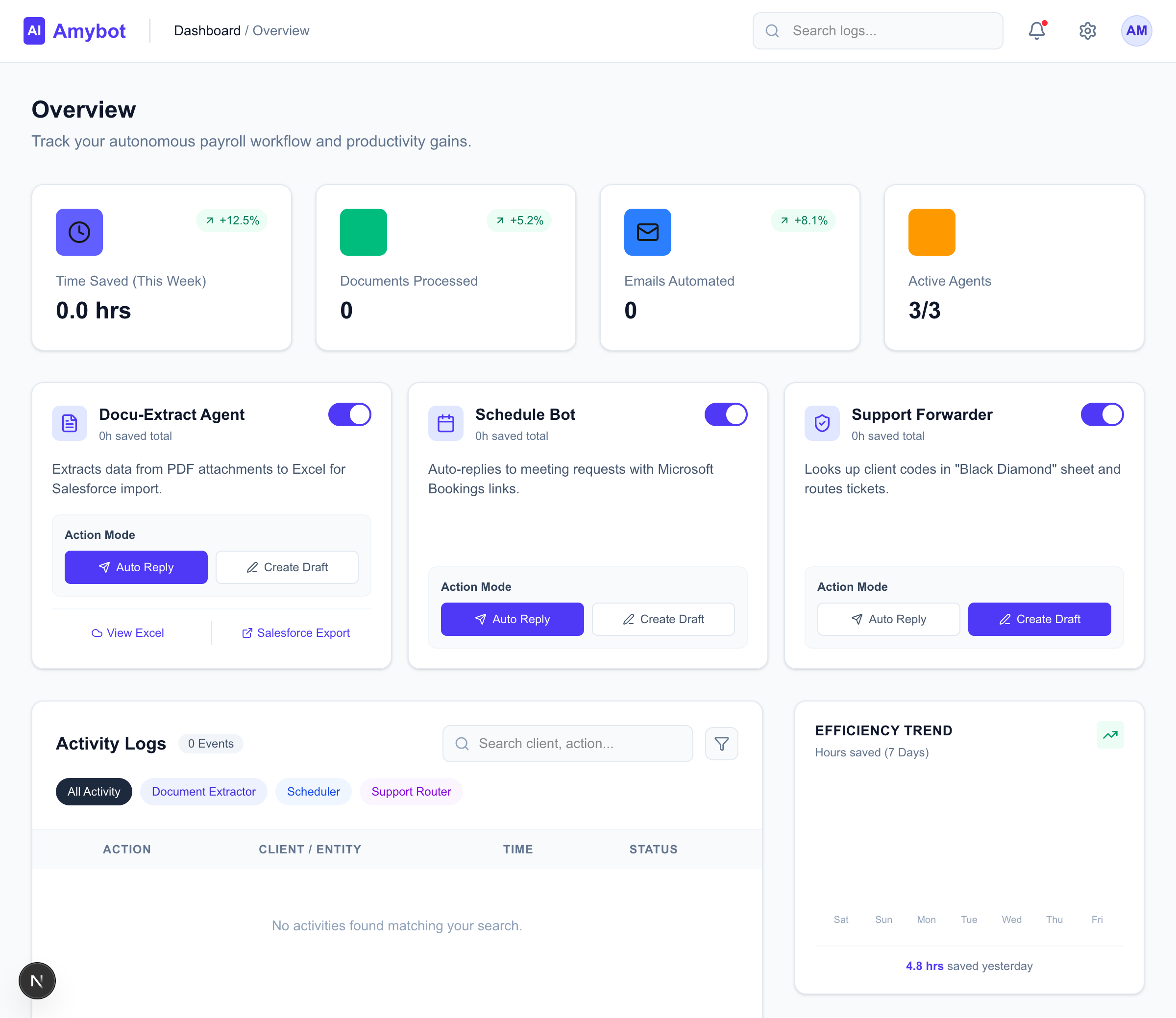
A full, personalized AI suite I designed and built end to end. Three autonomous agents take on the repetitive parts of payroll-sales ops — reading documents, scheduling meetings, routing support — all supervised from one real-time dashboard. The hard part isn't doing the work; it's staying in control without becoming the bottleneck.
AmyBot started from a concrete pain in payroll-sales operations: a lot of manual email overhead. People were opening PDF attachments and retyping the contents, checking calendars to share meeting links by hand, and forwarding support requests to the right team based on client codes. Repetitive, slow, and easy to get wrong. On top of that, the business was migrating from Atlas CRM to Salesforce — which meant pulling data out of incoming documents and shaping it into something importable.
The obvious move is to throw AI at it. The harder, more interesting move is to design the part where a person stays in the loop without becoming the loop. As agents take on more of the work, the design problem shifts from doing the task to supervising it — calibrating how much you trust the agent, and verifying its work without re-checking every step. That's the question AmyBot is really about.
Rather than one do-everything bot, I designed a small set of specialized agents and put a classifier in front of them. An incoming Outlook email hits a Microsoft Graph webhook, lands in a Supabase edge function, and Gemini classifies the intent before routing it to the agent built for that job.
Outlook email
A request or a document lands in the inbox.
Webhook → edge fn
Graph webhook into a Supabase edge function.
Gemini classifier
Reads the intent and routes to the right agent.
Specialized agent
Extractor · Scheduler · Router — each in Auto or Draft.
Keeping the agents modular wasn't just an engineering convenience — it's what makes the oversight legible. Each agent can be enabled or disabled on its own, so trust is granted one workflow at a time instead of all at once.
The core interaction is a single toggle on each agent card: Auto or Draft. In Auto, the agent executes immediately. In Draft, it does all the same work but stops short of sending — staging a draft for a person to review, edit, or approve. Same intelligence, different amount of rope.
This is the whole trust mechanic in one control. You start every agent in Draft, watch its decisions for a while, and flip it to Auto for the workflows where it's earned your confidence — keeping a tighter leash on the ones where accuracy matters most, like document extraction. It lets a team adopt automation gradually instead of betting everything on the AI being right on day one.
Draft mode is where trust gets built. Auto mode is where it gets spent.

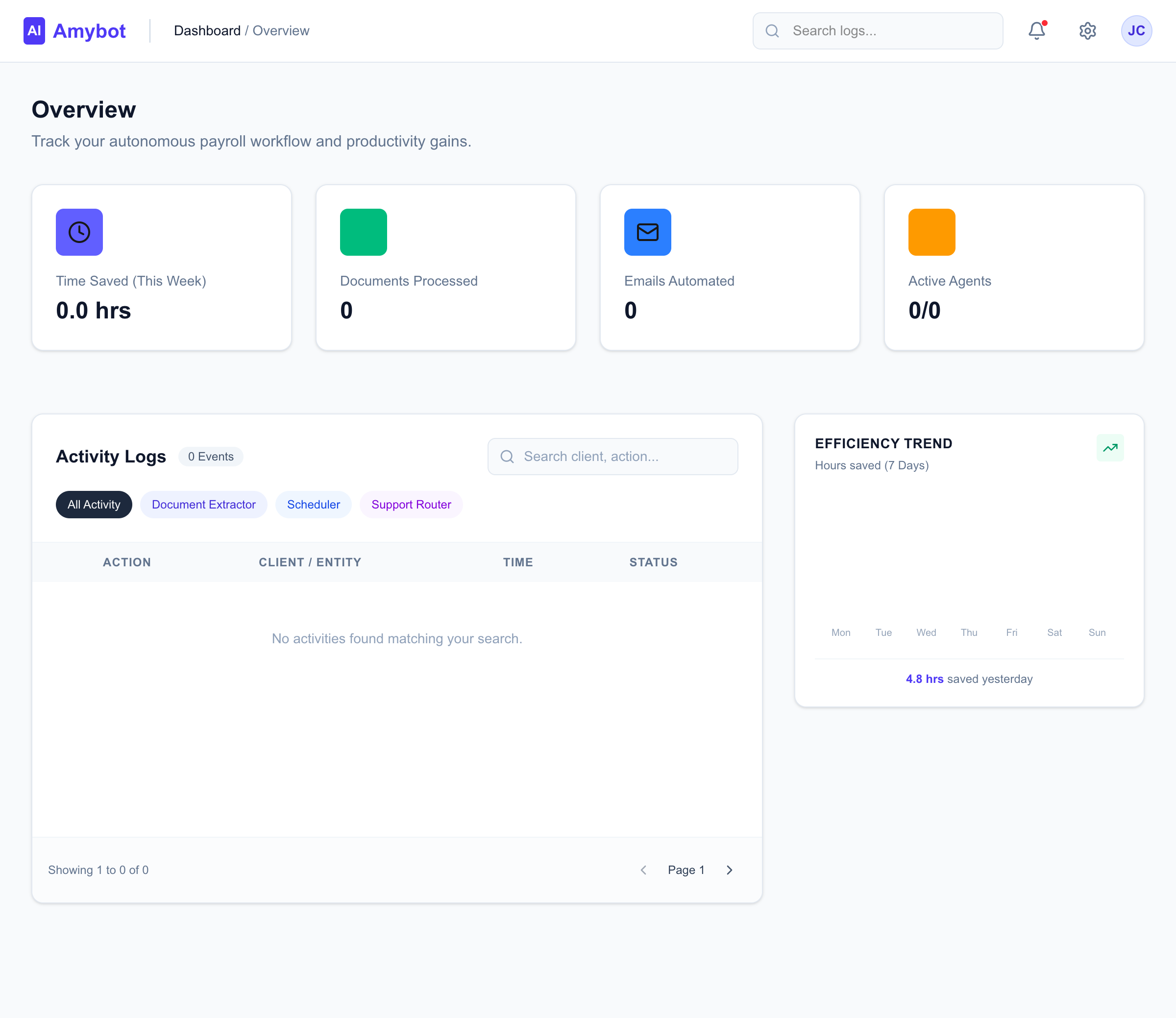
The goal of the dashboard is visibility without vigilance — you should be able to glance at it and trust that nothing needs you, or see immediately when something does. A few decisions carry most of that weight:
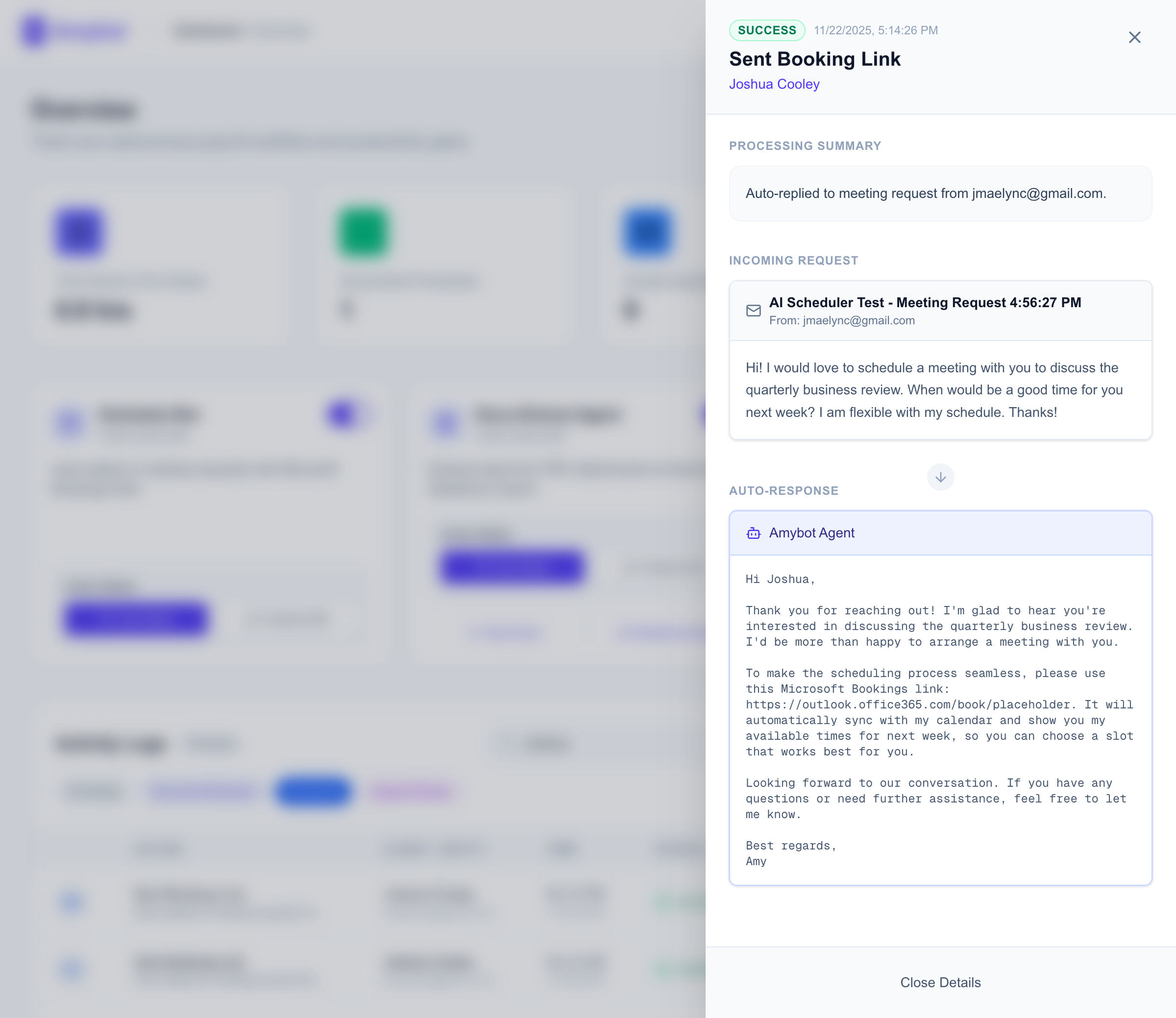
The clearest lesson is that graduated autonomy works. Letting people start in Draft and earn their way to Auto did more for adoption than any amount of accuracy claims would have — the trust has to be built on observed behavior, not promised. I think that pattern generalizes well beyond this product: it's the kind of surface that defines the next decade of agent design.
I want to be honest about the numbers, too. The 3–5.5 hours of daily savings is a projection based on the manual time these workflows consume, not a measured outcome — the system is still ongoing, and the real proof is in instrumenting it and watching the actual time-saved data accrue. From here, the roadmap is more specialized agents, better extraction accuracy with fine-tuned models, and a mobile view for monitoring on the go.